
Introduction
Maintaining your Xbox Series S in pristine condition is essential for optimal performance. Dust buildup can cause overheating and reduced efficiency, impacting your gaming experience. This guide walks you through step-by-step cleaning to ensure your console runs as smoothly as new.
Tools You Will Need
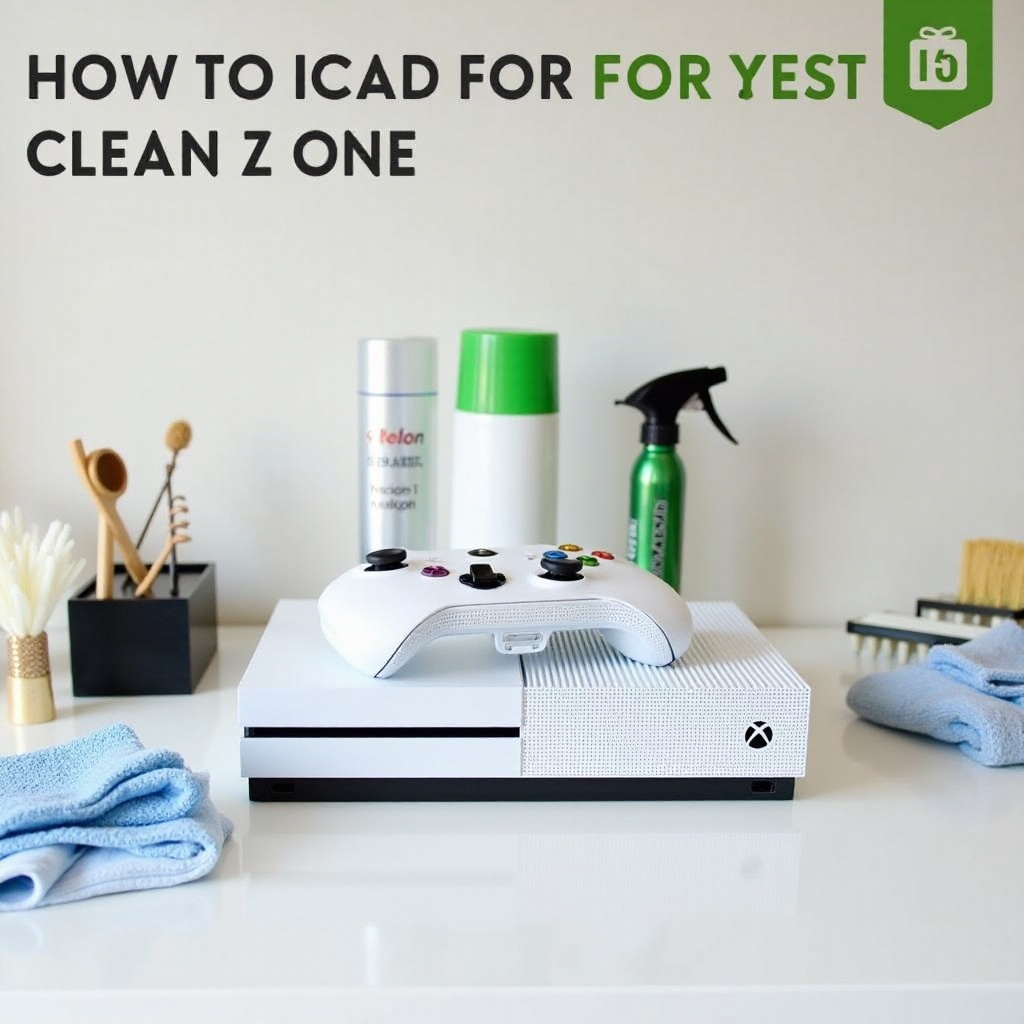
Before starting, gather your cleaning tools. Having everything ready will streamline the process and enhance effectiveness.
– Microfiber Cloths: Ideal for dusting and wiping without scratching surfaces.
– Compressed Air Canister: For blowing out dust from hard-to-reach areas.
– Small Brushes: Useful for vent and port cleaning.
– Soft-bristle Toothbrush: Perfect for intricate areas.
– Isopropyl Alcohol (70% or higher): Safely disinfects without moisture.
Should you wish for a more thorough clean, consider a small vacuum designed for electronics.
Safety Precautions Before Cleaning
Protect yourself and your Xbox Series S by following these safety measures.
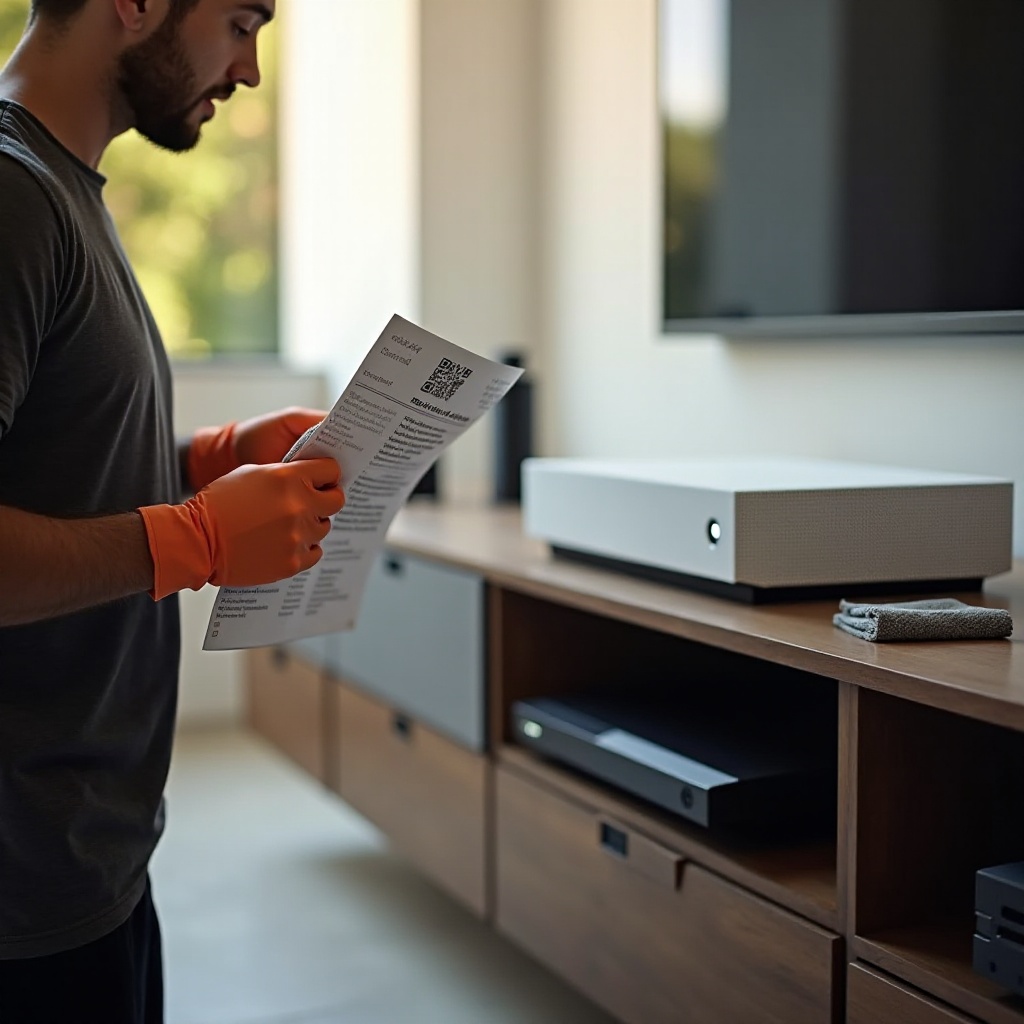
1. Power Down: Turn off your Xbox Series S and unplug from all power sources to avoid electrical hazards.
2. Disconnect Accessories: Remove external storage, cables, and controllers for thorough cleaning access.
3. Ventilation: Work in a well-ventilated area, especially when using isopropyl alcohol.
4. Static Precautions: Avoid static discharge using grounding precautions such as a wrist strap.
With these safety steps, you’re ready to start cleaning without risk of damage.
Preparing Your Xbox Series S for Cleaning
Set up a clean, static-free workspace with good lighting to prepare your Xbox Series S for a detailed clean.
1. Workspace Setup: Ensure your console is on a stable, clean surface.
2. Initial Dusting: Use a microfiber cloth to gently lift surface dust. Follow up with a small brush.
3. Vent Care: Gently use a toothbrush to clean ventilation grills and improve cooling.
4. Inspect and Pre-clean: Identify areas needing more focus during main cleaning.
Proper preparation maximizes the cleaning effectiveness across all areas of your console.
Cleaning the Exterior of the Xbox Series S
Focus on the exterior to maintain its sleek appearance and ensure it remains dust-free.
– Surface Wiping: Lightly dampen a microfiber cloth with isopropyl alcohol and wipe the exterior. This removes fingerprints and disinfects.
– Ports and Vents: Use compressed air directed at angles to clean out ports and vents without damaging them.
These exterior cleaning steps help keep your console looking and functioning at its best.
Deep Cleaning the Interior of the Xbox Series S
For those familiar with electronics, interior cleaning can enhance performance. Check warranty constraints before proceeding.
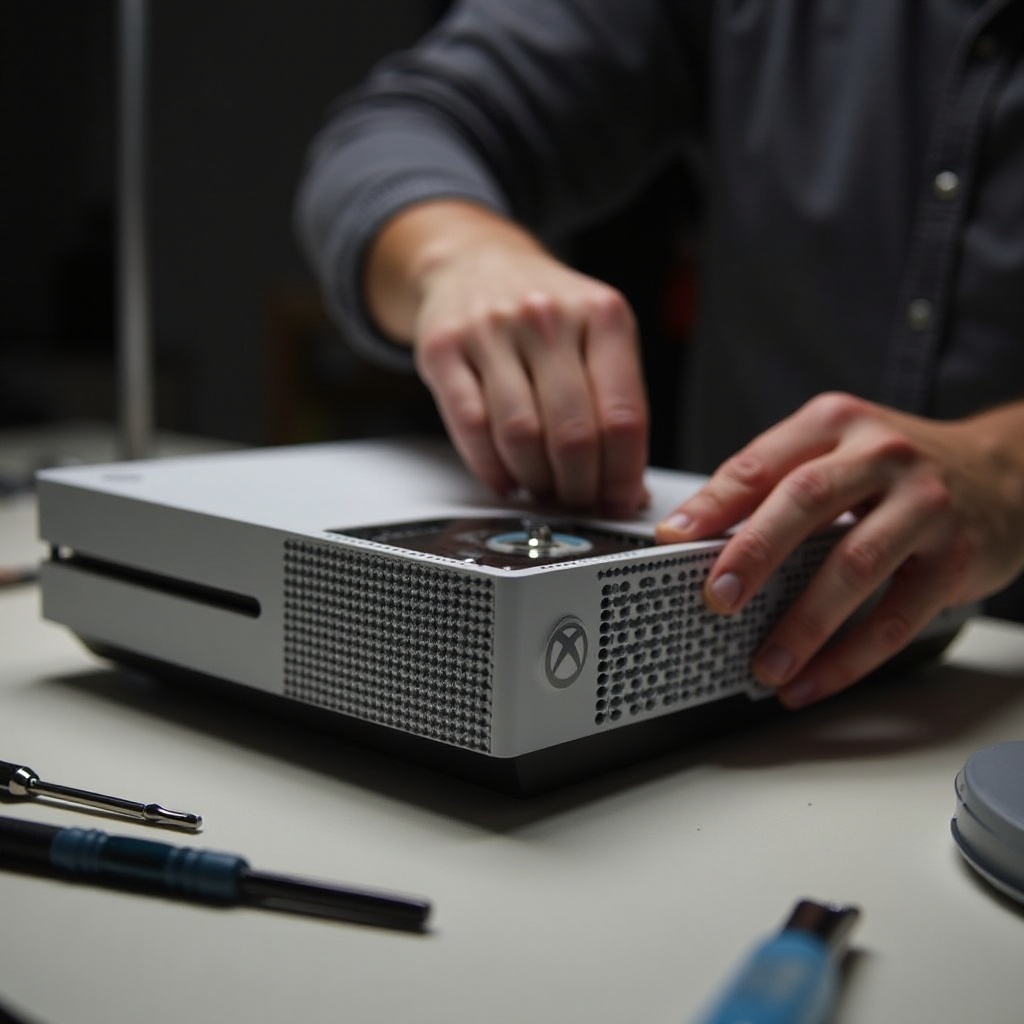
1. Opening the Console: Use a screwdriver to gently remove screws and access the interior.
2. Dust Removal: Employ compressed air to clear dust without introducing moisture.
3. Component Cleaning: Delicately brush dust from internal components. Avoid direct hand contact.
An interior clean helps maintain the console’s performance and prevent dust-related issues.
Reassembling and Testing Your Console
After cleaning, carefully reassemble your Xbox Series S for use.
– Proper Reassembly: Follow removal steps in reverse to secure all components.
– Function Test: Reconnect peripherals, power up, and check for normal operation.
This ensures your Xbox Series S is ready for optimal performance after cleaning.
Preventative Maintenance Tips
Extend your Xbox Series S’s efficiency through regular care.
– Regular Dusting: Use microfiber cloths frequently to maintain exterior cleanliness.
– Proper Storage: Ensure your console’s location is well-ventilated and dust-free.
– Routine Inspection: Regular checks help identify issues before they escalate.
These preventative tips aid in prolonging your console’s life, optimizing your gaming experience.
Conclusion
Keeping your Xbox Series S clean is crucial for maintaining its performance and appearance. Regular maintenance not only extends the console’s life but also ensures uninterrupted gaming enjoyment. By incorporating these cleaning strategies, you can enjoy a seamless and efficient gaming experience for years to come.
Frequently Asked Questions
How often should I clean my Xbox Series S?
For optimal performance, clean your Xbox Series S every three to six months, more often in dusty environments.
Can I use household cleaners on my Xbox Series S?
Avoid household cleaners as they may contain harsh chemicals. Use isopropyl alcohol and microfiber cloths for safe cleaning.
What should I do if my Xbox Series S overheats?
Ensure your console has proper ventilation and move it to a cooler, dust-free space. Regular cleaning can also help. If issues persist, seek professional support.