
Introduction
Dealing with stick drift on your Xbox controller can be frustrating, especially when it interferes with your gaming experience. This problem, where the joystick moves independently, can disrupt gameplay by causing unexpected actions. Luckily, several solutions can help you regain control. Let’s explore various steps and strategies to eliminate stick drift and enhance your Xbox gaming sessions.
Understanding Stick Drift in Xbox Controllers
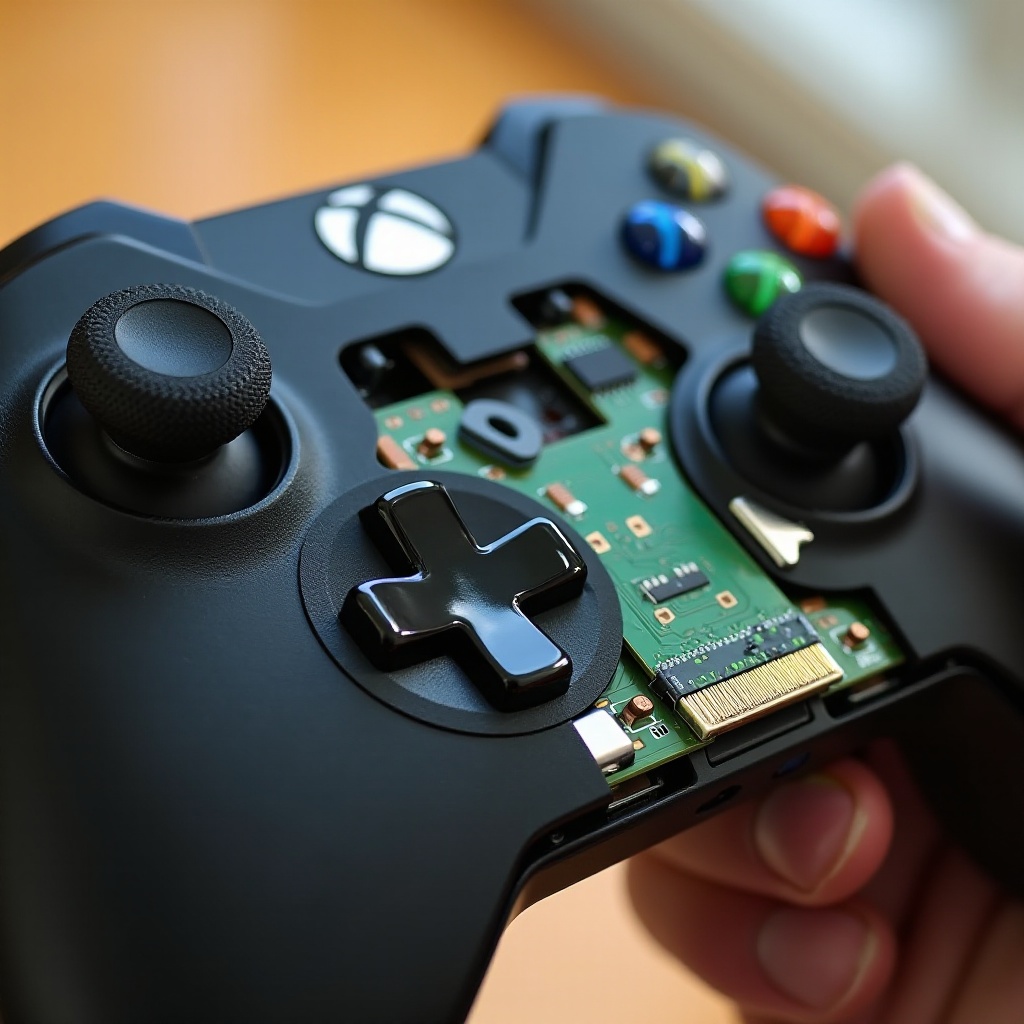
Grasping the concept of stick drift is essential before you dive into fixes. Stick drift occurs when the joystick sends commands to your console without any physical input. This irritating phenomenon can result in involuntary character movements and commands, often stemming from dirt accumulation, wear and tear, or sometimes factory defects. By recognizing these causes, you equip yourself with the knowledge needed for effective troubleshooting.
Initial Troubleshooting Steps
Before trying more complex fixes, start with some preliminary troubleshooting methods. Begin by inspecting your controller for any visible damage or misalignment, as external factors can sometimes cause drift issues. Ensure your Xbox system and controller firmware are up to date since updates can fix underlying software glitches. Testing your controller with different games can also help pinpoint whether the drift is game-specific or hardware-related. These initial steps often resolve minor issues and guide the way forward.
DIY Fixes for Stick Drift
For persistent issues, you can employ several do-it-yourself solutions that are both easy and effective.
1. Cleaning the Controller: Dust and grime accumulation around the joystick can disrupt its functionality. Use compressed air to clean around the analog stick, and for a deeper clean, gently wipe with isopropyl alcohol using a cotton swab. Handle with care to avoid additional damage.
2. Resetting the Controller: Refresh your controller settings by holding the Xbox power button until it turns off, then unplugging the power supply. Reconnect after a few minutes to reset the controller’s calibration settings.
3. Adjusting Dead Zones in Settings: Some games allow you to modify joystick sensitivity. Tweaking dead zones might temporarily resolve stick drift without hardware fixes.
These DIY approaches can often fix or mitigate stick drift, but they might not suffice for severe cases.
Advanced Repairs and Solutions
If stick drift remains stubborn, advanced repair options could be necessary.
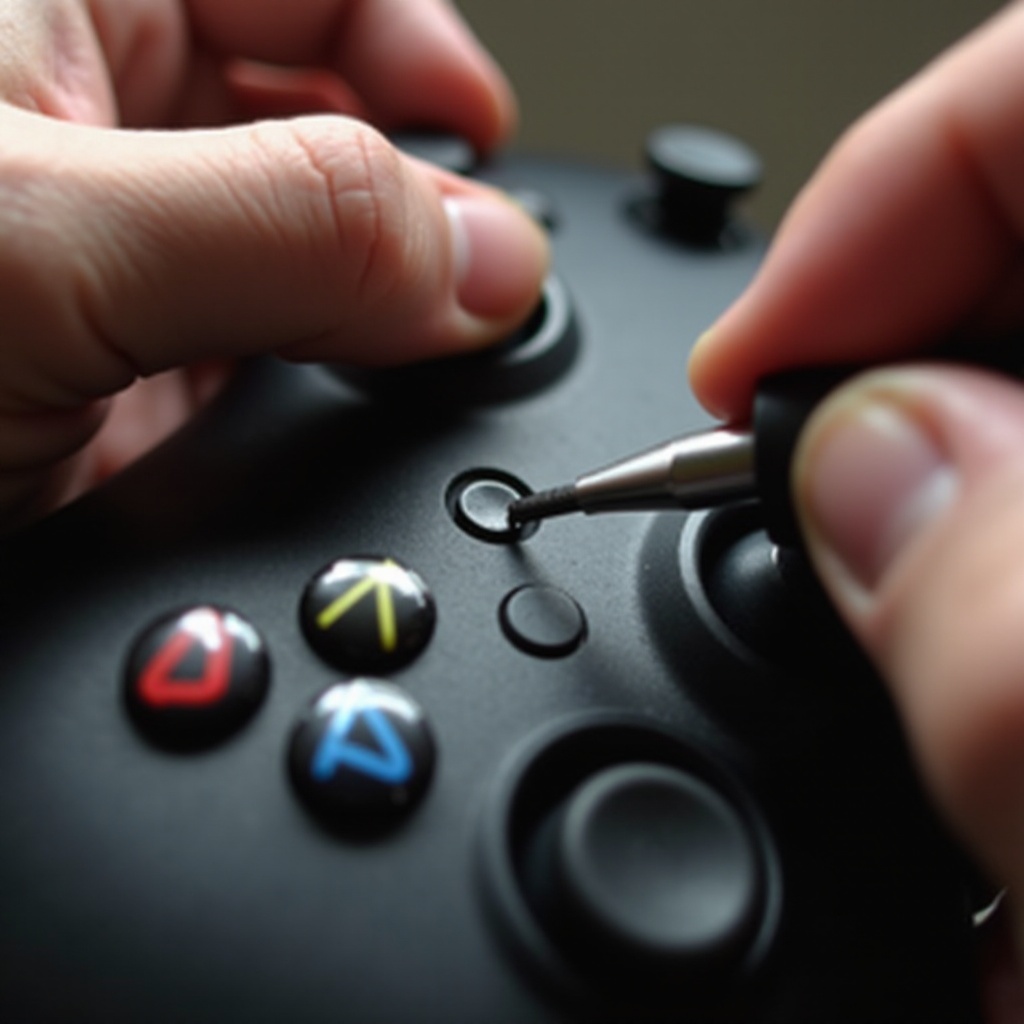
– Disassemble the Xbox Controller: Use a Torx screwdriver to carefully open the controller and access its internals for cleaning or part replacement. Exercise caution during this process to avoid damaging components.
– Replacing the Analog Stick Module: If cleaning doesn’t help, you might need a new joystick module. Purchase replacements online and follow guides for installation, using a soldering iron for safe and precise connections.
– Using Repair Kits: Pros and Cons: Repair kits include necessary parts for joystick replacement. They’re handy if you’re comfortable with electronics but might be complex for those unfamiliar with hardware repair.
These solutions require precision and care but can effectively restore your controller’s functionality.
Preventive Measures for Stick Drift
To extend your controller’s lifespan and prevent future issues, implement consistent preventive practices. Regular cleaning prevents dust buildup, and using thumb grips or cases minimizes wear on joystick surfaces. Additionally, storing your controller in a clean, dust-free environment maintains its performance over time.
When to Seek Professional Help
Sometimes, professional intervention is the best course of action, especially when DIY and advanced repairs don’t resolve the problem. Authorized Microsoft repair centers provide expert services backed by warranties. Consider the age and warranty status of your controller before choosing professional repairs.
Conclusion
While stick drift poses a significant hindrance, understanding its root causes and applying suitable fixes ensures that your Xbox controller returns to its top form. From basic cleaning to intricate repairs, these solutions help maintain your controller for an optimal gaming experience. Regular maintenance is the key to avoiding future complications and enjoying uninterrupted gameplay.
Frequently Asked Questions
How long do Xbox controllers typically last?
Xbox controllers can last several years with proper care and regular cleaning to prevent issues like stick drift.
Can stick drift damage my Xbox games?
Stick drift won’t damage your games, but it can affect gameplay by causing unintended movements and actions.
Is it worth buying a new controller instead of fixing stick drift?
Consider a new controller if repair costs are too high or if it’s out of warranty. Repairs can be economical if you like hands-on fixes.