
Introduction
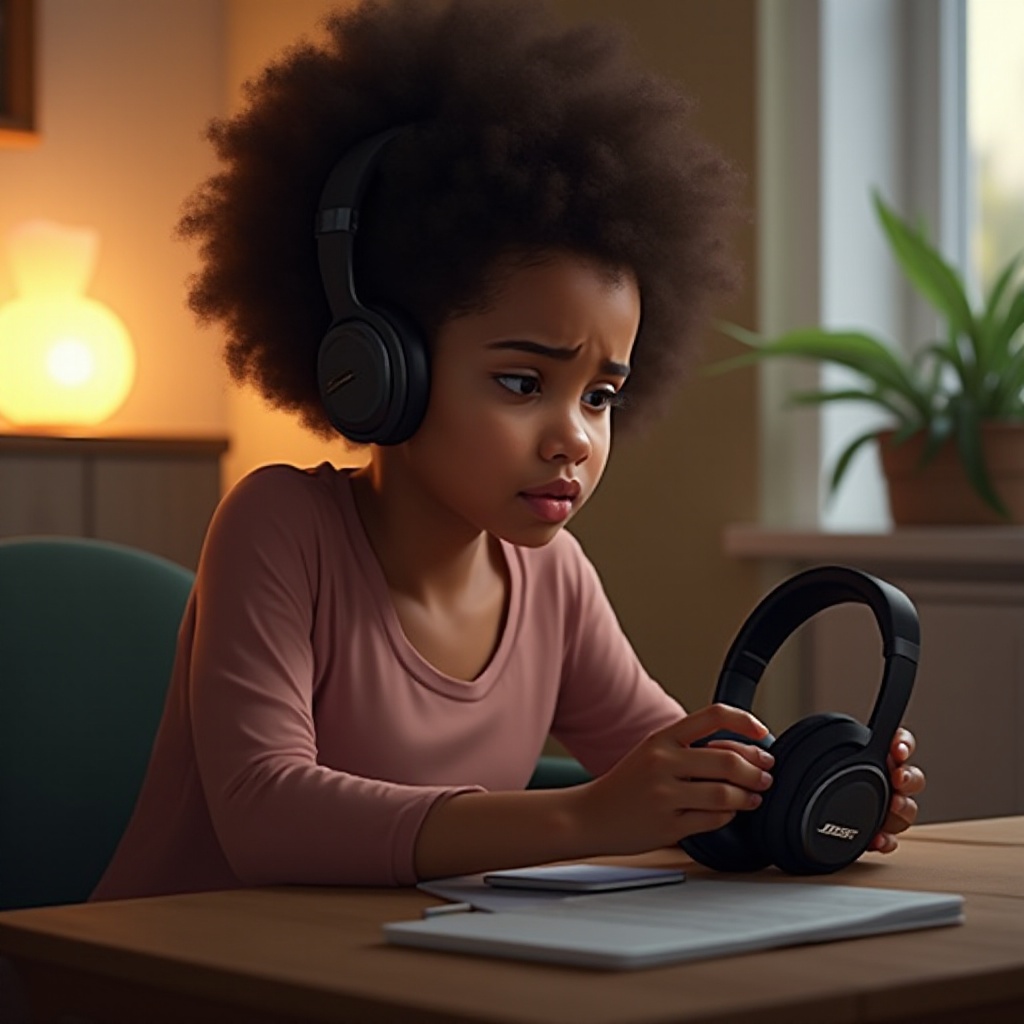
Bose headphones are synonymous with premium audio quality and advanced noise cancellation. Yet, like all electronic devices, they can occasionally run into issues and refuse to power on. If you’ve found yourself asking, ‘why won’t my Bose headphones turn on?’, you’re not alone. This guide will walk you through the most common reasons and provide actionable solutions to get your headphones working again.
Common Causes of Bose Headphones Power Issues
If your Bose headphones aren’t turning on, multiple factors might be at play. Pinpointing the root cause helps in applying the correct fix effectively.
-
Battery Issues: Often, a completely drained or malfunctioning battery is the culprit. A lack of charge means your headphones can’t switch on.
-
Power Button Malfunctions: In some cases, the power button may be defective or not responding properly, preventing the device from turning on.
-
Firmware and Software Glitches: Software bugs or outdated firmware might disrupt normal operations.
Understanding these potential problems enables a more efficient troubleshooting approach. Next, let’s explore how you can identify and resolve battery-related issues.
Diagnosing Battery-Related Issues
The battery is often the first component to examine when your headphones won’t turn on. Here are the steps to identify and correct battery-linked problems.
-
Check the Battery Charge Levels: Start by ensuring your headphones have a sufficient charge. Use a known working charger and look for any charging indicator lights.
-
Inspect Charging Cables and Ports: Damaged cables or ports can hinder charging. Try an alternate cable or charger and inspect the port for obstructions or debris.
By resolving these battery issues, you may restore power to your headphones. If they still won’t turn on, the next step is to check the power button and other hardware.
Troubleshooting Power Button and Hardware Problems
Once battery issues are eliminated, it’s crucial to inspect the power button and other hardware components.
Check if the power button is operating correctly. If it feels stuck, use a soft cloth or compressed air to clean around the button. Accumulated dirt can make the button unresponsive.
Additionally, scrutinize the headphones’ physical condition. Look for any visible damage, such as cracks or loose parts in the earcups or headband. Addressing these issues can often restore functionality. With hardware checked, your next focus should be on software solutions.
Addressing Firmware and Software Concerns
In some cases, software bugs are to blame. Here’s how to ensure your headphones are running the latest software and how to fix software issues effectively.
-
Update Firmware to the Latest Version: Bose regularly releases updates to enhance performance and tackle bugs. Use the Bose Connect app or Bose Updater to ensure your headphones’ firmware is current.
-
Perform a Factory Reset: If problems persist, a factory reset can restore default settings and clear up software glitches. Refer to your specific model’s manual for exact reset instructions.
Updating software often resolves lingering issues. However, if your headphones are still unresponsive, it’s wise to investigate external factors and potential physical damage once more.
Advanced Troubleshooting Tips
For stubborn issues, consider these advanced troubleshooting tips to uncover hidden problems.
-
Environmental Factors: Verify that your headphones haven’t been exposed to extreme conditions like excessive heat or moisture, which can impact performance.
-
Recheck for Physical Damage: Subtle signs of wear and tear, like frayed wires or compromised connectors, may have been overlooked initially.
If your efforts don’t yield results, professional help is recommended to prevent further damage.
When to Contact Bose Support
Knowing when to enlist professional assistance can save time and prevent additional harm.
-
Evaluate the Need for Professional Help: If all suggested solutions fail, reach out to Bose support. Their trained personnel can offer diagnostic and repair services, often at no extra cost if the headphones are under warranty.
-
Understand Warranty and Repair Options: Review your warranty coverage. Depending on the terms, repairs may be complimentary or provided at a reduced rate.
Engaging with experts ensures your headphones receive the appropriate care needed to extend their lifespan.
Conclusion
Effective troubleshooting of Bose headphones involves a systematic review of each component to identify potential issues. Start with the battery, inspect the hardware, and keep the software updated for optimum performance. Seeking professional help when necessary ensures a swift and reliable solution to your headphone problems.
Frequently Asked Questions
Can I replace the battery in my Bose headphones myself?
Bose advises against self-replacement due to their intricate design. Professional replacement is recommended to avoid damage.
How often should I update my Bose headphones’ firmware?
Check and update your firmware monthly using the Bose Connect app to benefit from enhancements and fixes.
What should I do if my headphones are still under warranty but have stopped working?
Contact Bose support to explore repair or replacement options covered by your warranty.