
Introduction
Water damage can wreak havoc on your MacBook, causing immediate and long-term issues. When liquid comes into contact with your device’s sensitive components, quick action is essential to minimize the damage. This guide provides practical strategies for dealing with a water damaged MacBook, from first steps you should take to long-term preventative actions.
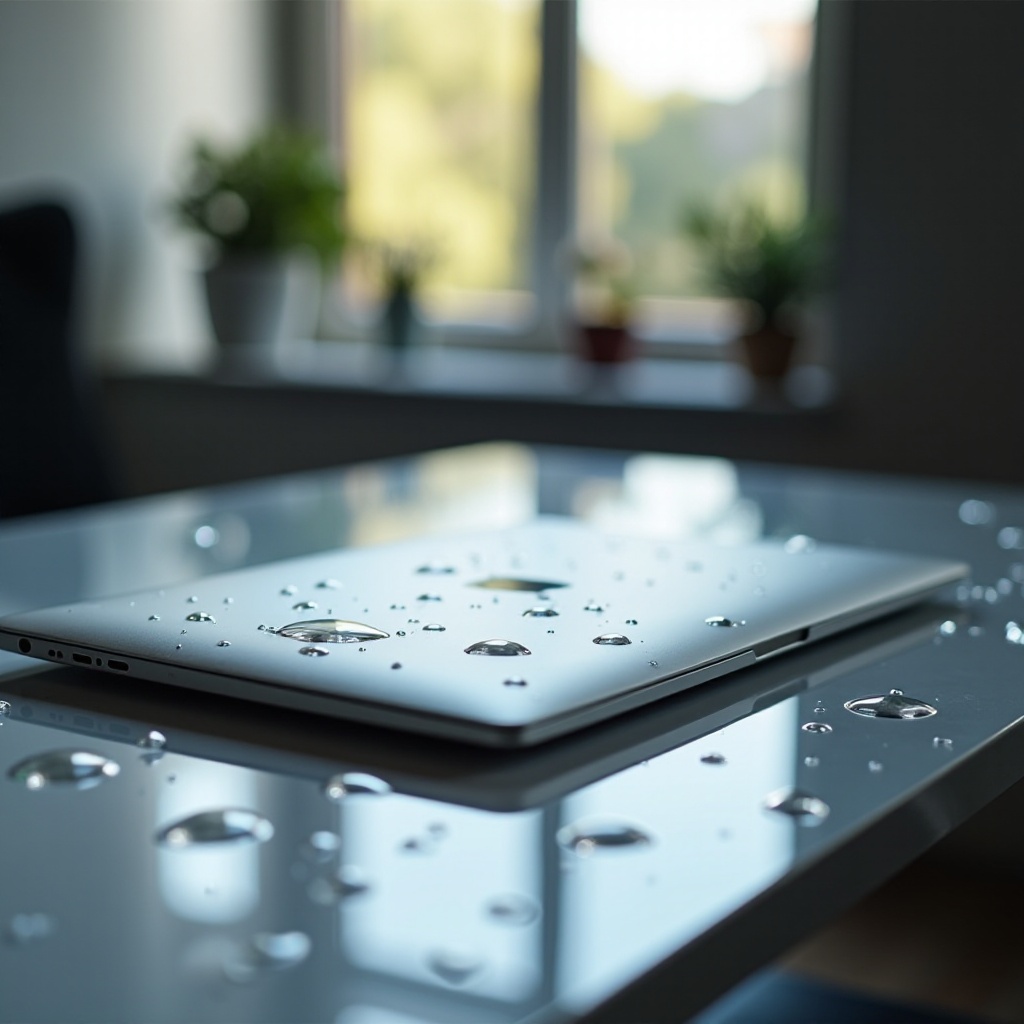
Understanding Water Damage in MacBooks
Awareness of the causes and effects of water damage can aid in managing this stressful situation. Recognizing the signs and understanding potential consequences will guide your approach to rescue your device.
- Common Causes of Water Damage: Accidental spills, exposure to rain, or immersion.
- Immediate Effects of Water Exposure: Electrical shorts, keyboard malfunctions, and potentially irreversible system shutdowns.
- Long-term Consequences: Corrosion, compromised battery life, and lasting hardware impairment.
By understanding these aspects, you’ll appreciate the importance of each step in the recovery process.

First Steps to Take with a Water Damaged MacBook
Swift action is crucial when your MacBook is exposed to water. Follow these steps to mitigate further damage:
- Power Off and Unplug Immediately: Shut down your MacBook and disconnect it from any power source to prevent electrical damage.
- Remove Visible Moisture: Gently wipe any surface water with a dry, lint-free cloth to prevent it from seeping further into the device.
- Position for Optimal Draining: Place the MacBook in a tent-like position, encouraging any trapped liquid to exit the internal structures through available ports.
Taking these steps not only protects your device but also sets a solid foundation for additional recovery efforts.
DIY Methods for Drying a Water Damaged MacBook
Once the initial danger has been addressed, explore DIY methods to thoroughly dry your device. Choose techniques that suit your environment and available resources:
- Air-Drying Techniques: Allow the MacBook to dry naturally in a well-ventilated area. Position it on a clean, elevated surface with ample airflow.
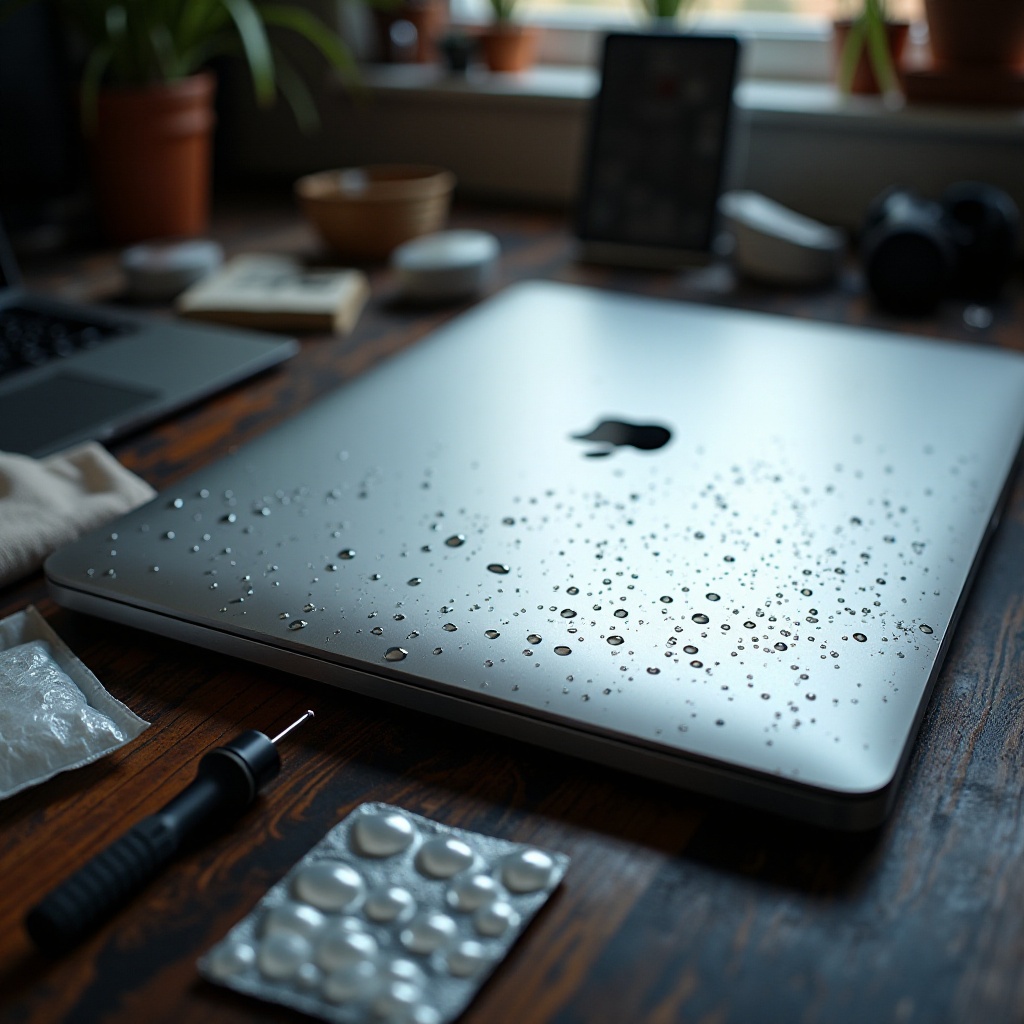
- Using Desiccants Like Silica Gel: Seal the MacBook in a bag or container with silica gel packets to speed up moisture absorption.
- Why Rice Might Not Be the Best Option: Although popular, rice absorbs moisture slowly compared to silica gel, and grains could enter open ports.
These drying methods can be effective if initiated promptly and allowed ample time to work.
When to Consult a Professional Repair Service
If your MacBook displays persistent issues despite initial drying attempts, professional repair might be necessary. Here are indicators and steps to guide your decision:
- Signs Professional Help is Needed: Continued malfunctioning, no power, or unusual sounds suggest complex internal damage.
- Evaluating Repair Costs: Consider whether repair expenses justify the value of the device or a potential replacement.
- Finding Reliable Repair Services: Seek out Apple-certified technicians or well-reviewed repair shops to ensure quality service.
Understanding when professional intervention is called for can save further damage and reduce the risk of data loss.
Preventing Future Water Damage
By adopting preventive measures, you can significantly reduce the risk of water damage in the future. Consider these practical steps:
- Workspace Best Practices: Designate a clear work area away from beverages and precipitating risks.
- Investing in Protective Accessories: Utilize waterproof cases and keyboard covers to shield your MacBook from accidental spills.
- Tips for Handling Beverages Near Your MacBook: Use spill-proof containers and maintain a safe distance between liquids and your device.
Applying preventive strategies fortifies your MacBook against future encounters with moisture, ensuring longevity and functionality.
Conclusion
Acting quickly and prudently is key to minimizing the impact of water damage on your MacBook. While initial actions are crucial, knowing when to turn to a professional can make the difference between recovery and replacement. By implementing the outlined preventive measures, you put yourself in a strong position to protect your investment.
Frequently Asked Questions
Can a water damaged MacBook be completely fixed?
It depends on the extent of the damage. Many cases can be resolved with timely intervention, but severe damage might require component replacement or render the device irreparable.
How long should I leave my MacBook to dry?
Allow at least 48 hours for drying naturally. This process can vary based on conditions, but continued issues should prompt seeking professional advice.
Is it safe to use a hairdryer to dry my MacBook?
No, using a hairdryer risks further damage by potentially forcing water deeper into the device and causing overheating.