
Introduction
Opening your Xbox One console can seem daunting but is often necessary for maintenance or minor repairs. Having the right tools, patience, and clear instructions are essential for safely accessing your console’s interior. This guide provides a step-by-step approach to ensure your Xbox One is opened without causing damage. Whether you’re clearing out dust or fixing a specific issue, careful handling is crucial to avoid voiding your warranty or damaging components.
Why You Might Need to Open Your Xbox One
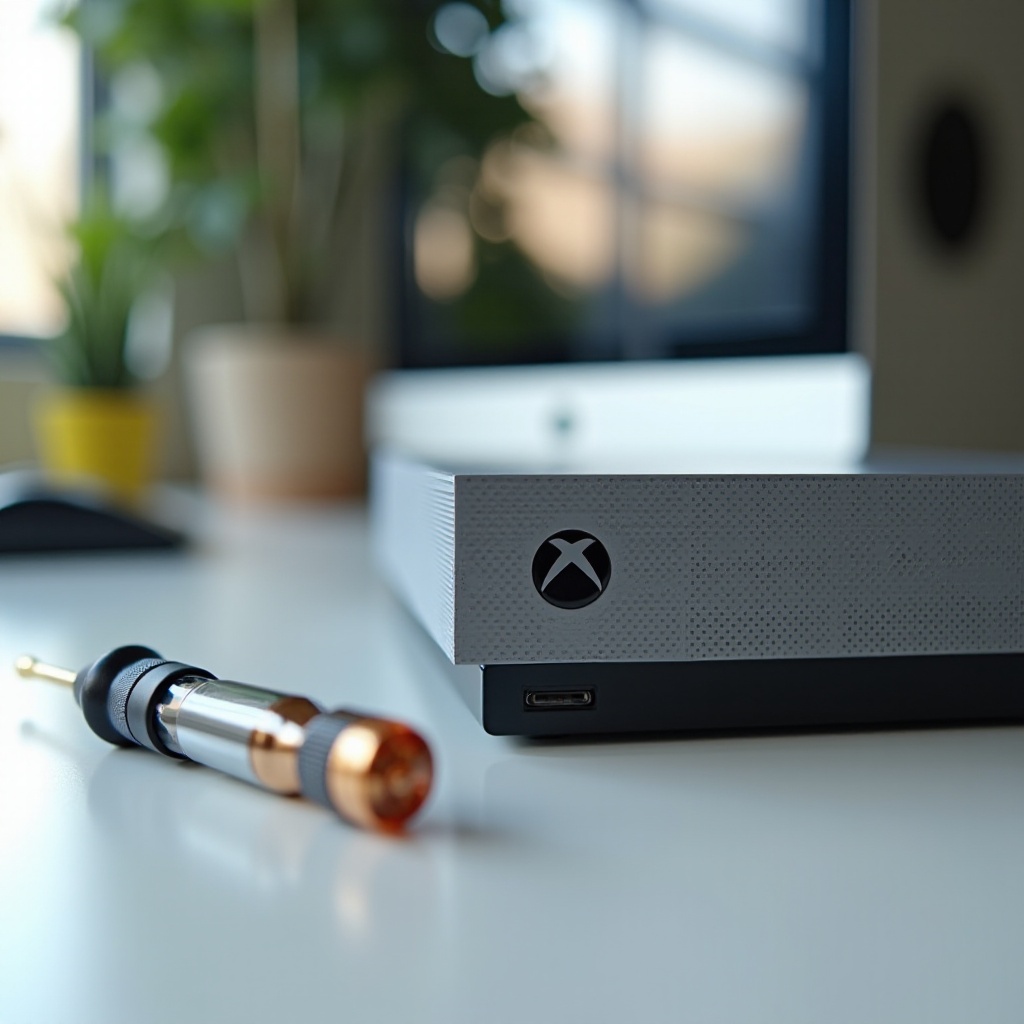
Maintaining your Xbox One regularly can extend its lifespan. You might need to address dust buildup, fix overheating issues, or even implement hardware upgrades by opening your console. Technical problems, such as unresponsive buttons or ineffective ventilation, often call for access to internal parts. Understanding the reasons for opening your Xbox One will help you approach the task with the necessary level of care, facilitating effective maintenance or repairs.
Essential Tools and Safety Precautions
Before you start, it’s important to gather the right tools:
- A T8 or T9 Torx screwdriver
- A plastic opening tool or spudger
- A clean, flat workspace
- Anti-static wrist strap
Safety is paramount. Ensure the console is powered down and unplugged to avoid electric shocks. Using an anti-static wrist strap can safeguard sensitive components from static electricity. Handle all internal parts with care to prevent physical damage.
Step-by-Step Guide to Opening Your Xbox One Console
Opening the console requires precision and care. Follow these detailed steps:
-
Power Down and Unplug: Make sure the console is turned off and all cables are disconnected.
-
Removing the Outer Casing:
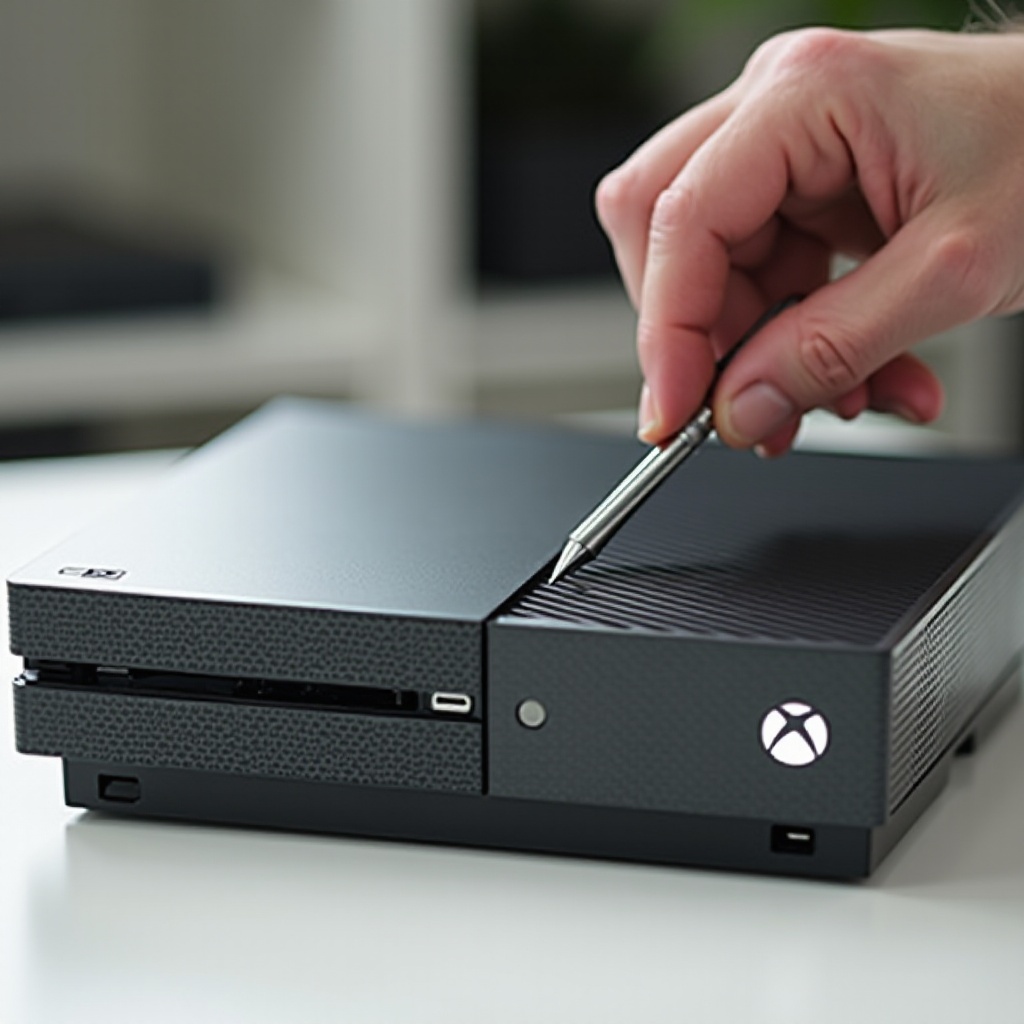
- Use the plastic opening tool to gently pop off the side panels.
-
Locate and remove the screws using the Torx screwdriver.
-
Accessing Internal Components:
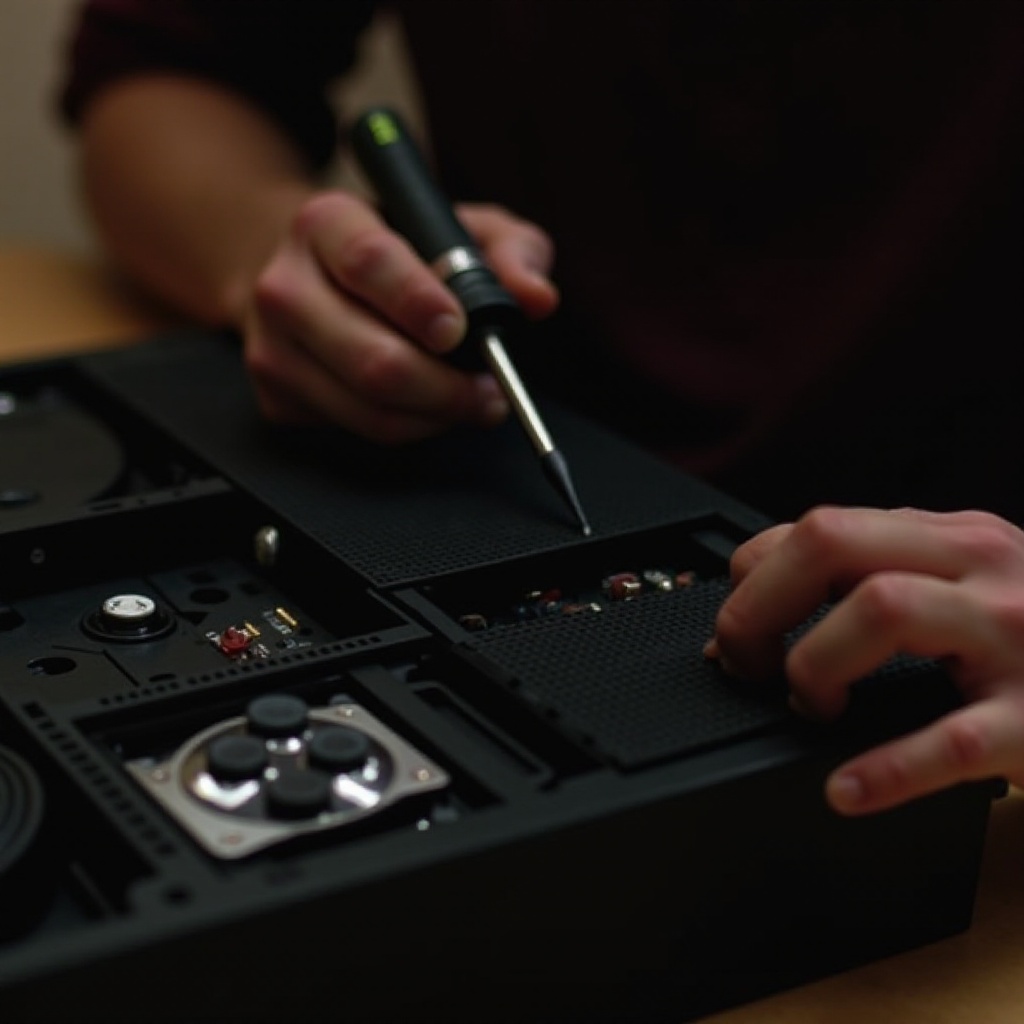
- Carefully lift the upper casing.
- Gently disconnect the clips that secure the middle frame to reveal the internal hardware.
Following each step carefully is key to preventing damage to the casing and interior parts.
Common Issues and How to Address Them
Opening your Xbox One can help resolve various common issues:
- Overheating: Clean internal fans and vents using canned air.
- Unresponsive Buttons: Examine and clean buttons if debris is present.
- Hardware Problems: Look for any obvious signs of wear on components like the hard drive or motherboard.
Should these solutions not resolve your issue, consider seeking professional repair assistance.
Maintenance Tips After Opening the Console
Once you’ve opened your Xbox One, these maintenance tips can help keep it in good condition:
- Cleaning: Use a soft, anti-static brush to gently remove dust from internal components.
- Inspecting Cables and Connections: Ensure all connections are secure and clean.
- Regular Maintenance Schedule: Plan to clean your Xbox One every three to six months to avoid significant dust buildup.
Regular maintenance of your console ensures smooth performance and reduces the likelihood of future issues.
Conclusion
Although opening your Xbox One console might appear challenging, with the right tools and care, it can be done safely and effectively. By following this guide, you’ll help preserve your console’s performance and longevity while potentially avoiding costly repairs. Always handle components cautiously to avert unnecessary damage.
Frequently Asked Questions
Can opening my Xbox One void the warranty?
Yes, opening your Xbox One console can void the warranty if done improperly or if it results in damage.
What should I do if I accidentally damage a component?
If you damage a component, it is advisable to contact a professional repair service to assess and fix the problem.
Is it safe to open the Xbox One console by myself?
Opening it yourself is safe if you follow instructions carefully and take necessary precautions such as using the correct tools and an anti-static strap.