
Introduction
A scratched MacBook screen can be irritating and distracting. Scratches impair visibility, diminish the aesthetic appeal of the device, and can exacerbate over time. Understanding the root causes of these scratches, exploring reliable solutions, and adopting preventative measures are essential. This guide delves into practical methods to repair and prevent screen scratches, ensuring your MacBook remains in excellent condition.
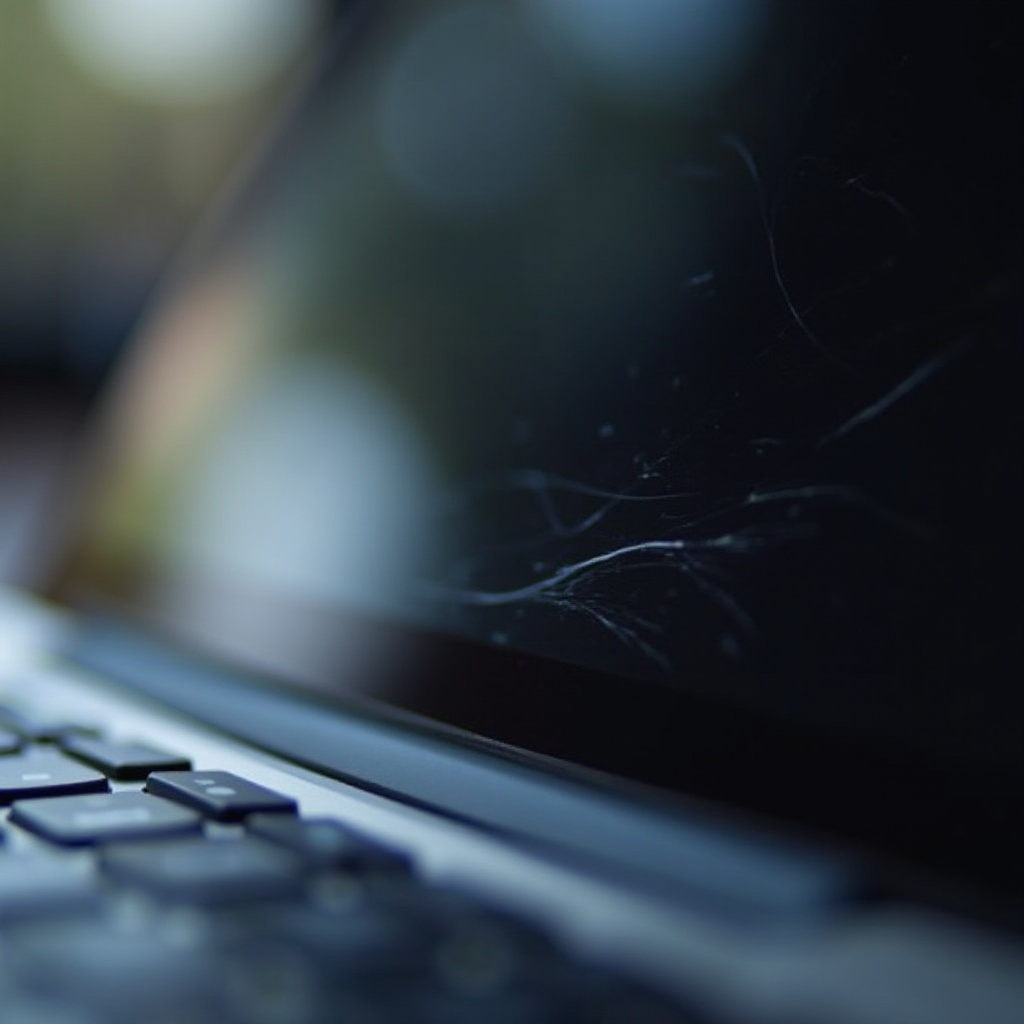
Common Causes of a Scratched MacBook Screen
Uncovering the causes of scratches is essential for prevention. Scratches often arise from the following scenarios:
– Everyday Use and Accidental Damage: Daily operations such as opening and closing the laptop, or contact with keys, jewelry, and wristwatches, can result in scratches.
– Poor Cleaning Practices: Using abrasive materials like paper towels or inappropriate cleaning solutions can leave marks on the screen.
– Lack of Protective Gear: Without a case or sleeve, carrying the MacBook makes the screen vulnerable to scratches.
Grasping these causes sets the stage for assessing the Type and Severity of scratches, which helps in tailoring the appropriate solutions.
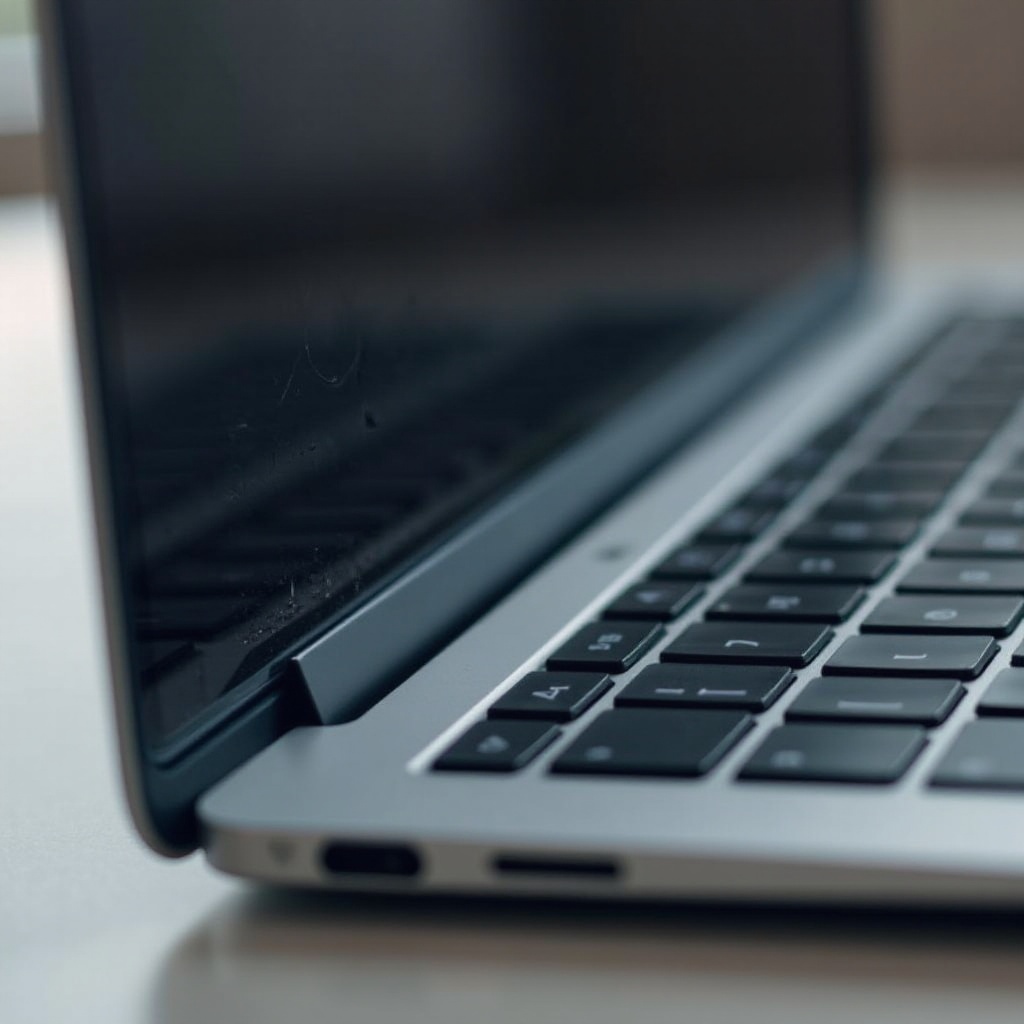
Evaluating the Severity of Scratches
Understanding the severity of scratches guides the choice of repair approaches. Not all scratches are the same:
– Surface-Level Scratches: These are minor scratches noticeable only under certain lighting conditions and are usually superficial.
– Deep Scratches: These are more pronounced and can affect screen functionality, requiring more attention.
– Inspection Methods: To assess the damage, clean the screen with a microfiber cloth. Then, use bright light to view the screen from multiple angles to determine the extent of the scratches. Identifying damage spots is crucial for treatment.
With clarity about the scratch’s depth, we can now explore solutions starting with do-it-yourself (DIY) methods.
DIY Repair Solutions for Light Scratches
Some minor scratches can be resolved using everyday items.
1. Using Toothpaste or Baking Soda:
– Dab a bit of non-gel toothpaste or make a paste with baking soda and water.
– With a soft cloth, rub the mixture gently in circular motions over the scratched area.
– Clean with a damp cloth and dry immediately after to prevent residue.
2. Commercial Scratch Removal Kits:
– Follow the given instructions carefully. These kits are formulated for light scratches but require patience and precise application.
3. Application Tips and Safety:
– Always perform a patch test on a small, inconspicuous area first.
– Avoid applying excessive pressure that could worsen the scratch.
When DIY solutions aren’t enough, the next step involves considering professional repair and replacement options.
Professional Repair and Replacement Options
Serious scratches might necessitate professional help.
– When to Seek Professional Help: If the scratch disrupts usability or if DIY efforts prove ineffective, professional intervention might be the best move.
– Cost Considerations: Repair costs can vary. Apple’s official service charges more than third-party providers, but the quality is often unmatched.
– AppleCare and Warranty Options: Review your warranty terms; some might cover accidental damage or offer discounted repair rates.
Professional services provide reliability and quality assurance. However, preventing scratches in the first place is the most effective strategy.
Preventative Measures to Avoid Future Scratches
Prevention is better than cure. Protect your MacBook’s screen with these measures:
– Investing in Screen Protectors: A high-quality screen protector offers a protective layer against minor impacts and prevents scratches from reaching the screen itself.
– Proper Cleaning Techniques: Always use a microfiber cloth with gentle cleaning motions. Avoid harsh chemicals; stick to approved cleaning solutions.
– Safe Handling and Transport: Always use padded sleeves and cases when transporting your MacBook. Avoid placing heavy or sharp objects on top of it.
These preventative strategies significantly reduce the chances of scratching your MacBook screen, saving both time and potential repair costs.

Conclusion
Scratches on your MacBook screen are more than an aesthetic issue; they can affect user experience and the device’s longevity. Luckily, many scratches can be repaired or, better yet, prevented. By understanding what causes scratches, evaluating the damage, and using suitable repair methods, your MacBook can remain spotless, enhancing both its functionality and appearance.
Frequently Asked Questions
Can toothpaste really fix MacBook screen scratches?
Toothpaste can be effective for minor, superficial scratches due to its mild abrasiveness, but it might not work on deeper scratches.
How much does it cost to repair a MacBook screen?
The cost varies; an official Apple service may range from $150 to $500, depending on the damage and service quality.
Are screen protectors effective against scratches?
Yes, screen protectors add a defensive layer that absorbs impacts and prevents scratches, ensuring the screen remains intact.