
Introduction
A power button stuck in your phone can be a frustrating hurdle, preventing you from powering your device on or off easily. This issue is not just an inconvenience; it can also impact your productivity and usage. Promptly addressing this problem is essential for maintaining your phone’s functionality. In this guide, we cover a range of solutions, from straightforward fixes to more extensive repair options. With this comprehensive information, your phone’s power button can be restored to full functionality, and you can prevent the problem from recurring.
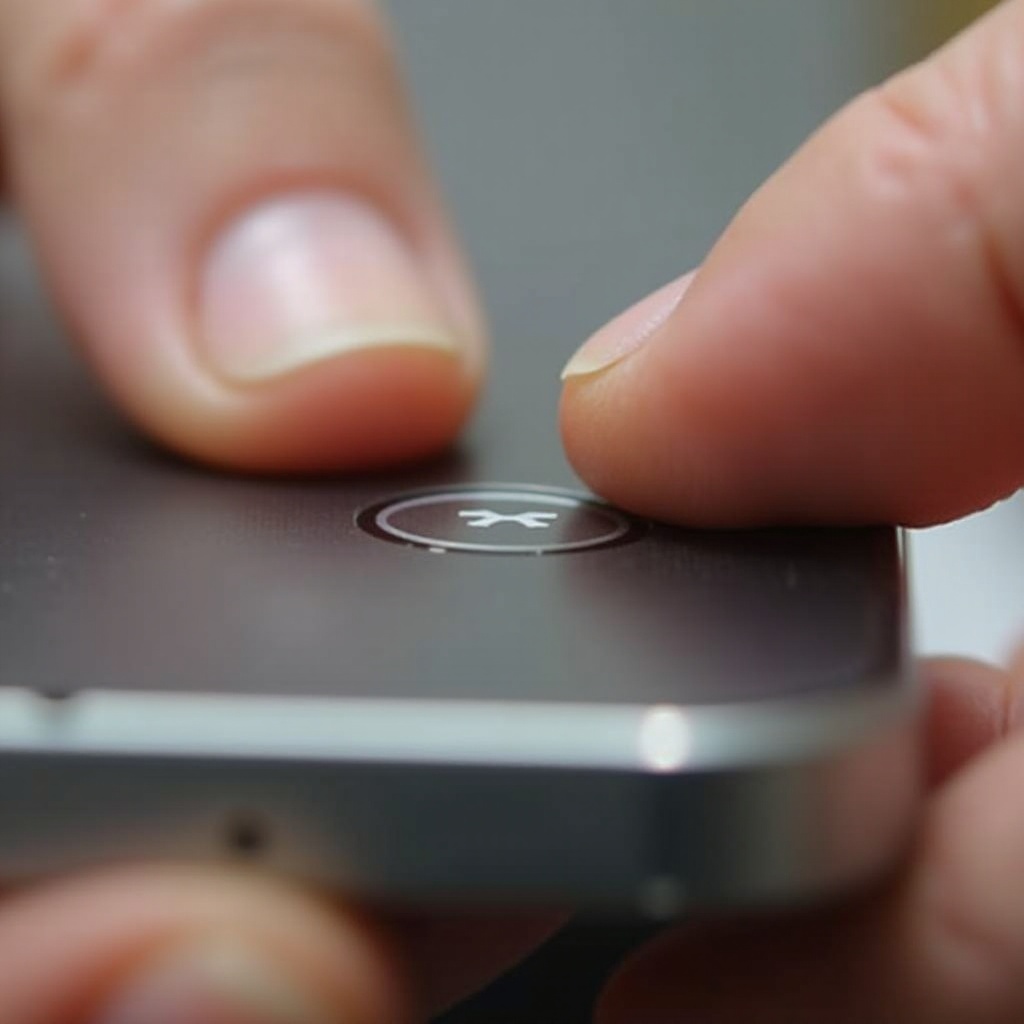
Understanding the Causes
Being aware of why your phone’s power button might be stuck helps in identifying the best solution. Common causes include:
- Dirt and Debris: Accumulation of dust and debris around the button area, causing resistance.
- Wear and Tear: Frequent use over time leads to mechanical deterioration.
- Moisture Impact: Exposure to water or humidity can dampen the button’s function.
- Internal Damage: Impacts or drops may cause internal disconnections or mechanical failures.
Recognizing these factors influences the choice of remedy and allows for a more targeted approach.
Immediate Solutions
Before jumping into complex repairs, try these initial solutions, which often deliver results quickly:
- Gentle Pressure Application: Sometimes, exerting gentle pressure on the button and slightly shaking it can alleviate minor obstructions.
- Cleaning with Q-tip or Toothbrush: A soft toothbrush or a cotton swab can help in cleaning around the button, removing dirt and debris.
- Compressed Air: Use a can of compressed air to blow around the button, which can dislodge trapped particles.
- Software Update: Occasionally, button unresponsiveness might be due to software glitches that can be corrected with updates.
These solutions are ideal initial steps, but if they fail, consider further actions.

DIY Fixes for Power Button Issues
For those inclined towards hands-on solutions, DIY fixes provide a viable path. Here are some approaches:
- Internal Button Cleaning:
- Step 1: Power off the phone completely.
- Step 2: Apply a small quantity of electronic-safe cleaning solution with a microfiber cloth to the button.
-
Step 3: Carefully dry and test the functionality.
-
Applying Lubricant:
-
Utilize a minimal amount of electronic-safe lubricant to ease button movement, applied cautiously to avoid excess.
-
Clearing Obstructions:
- Adjust and modulate the button gently to clear any blockages hindering normal operation.
These methods are effective if you are comfortable handling minor technical repairs.
Advanced Repair Options
If the DIY solutions fall short, you might need to consider advanced repair options. Here’s a guide to undertaking more serious interventions:
- Disassembly:
- Open the phone based on manufacturer instructions, be cautious of fragile components.
-
Use appropriate tools such as precision screwdrivers.
-
Inspection:
-
Assess any visible damage to internal mechanisms and perform repairs or replacements as needed.
-
Reassembly:
- Carefully ensure that all pieces are fitted correctly, maintaining the unit’s integrity and sealing it securely.
Advanced repair should be approached with caution, recognizing your comfort level and expertise.
When to Seek Professional Help
If persistent efforts yield no result, it might be time to seek professional service. Professional help is optimal in situations such as:
- You’re uncertain about your repair skills.
- The button remains non-functional after multiple attempts.
- Your phone exhibits additional problems that compound the issue.
Professional input can save time and ensure the longevity of your phone, albeit at some cost.
Preventive Measures and Maintenance Tips
Future-proof your phone usage by implementing these preventive measures:
- Regular Cleaning Routine: Keep the button and surrounding areas free of dust and grime using regular clean-ups.
- Protective Accessories: Invest in good phone cases that protect buttons from impact.
- Careful Handling: Press buttons gently, avoiding excessive force which might lead to quicker wear and tear.
Adopting these practices can significantly extend the life of your phone’s hardware.

Conclusion
Ensuring your phone’s power button remains functional is vital for smooth everyday operation. Understanding why it might get stuck, trying a range of methods to fix it, and knowing when to contact a professional can ensure you’re never caught off guard. Consider incorporating the preventive tips to avoid similar issues down the line.
Frequently Asked Questions
What should I do if my phone’s power button is stuck and won’t press?
Start with simple cleaning and pressure application techniques. If those don’t work, consider DIY fixes or professional repair services.
Can I still use my phone if the power button is stuck?
Yes, you can often use apps or settings to bypass the power button and perform basic operations.
How much does it cost to repair a stuck power button professionally?
The cost can vary depending on the phone model and repair complexity. It’s best to get a quote from a reputable service technician.