
Introduction
A loose charger port can really throw off your routine. It can transform a simple task of charging your Samsung phone into a frustrating chore. Recognizing the issue early is key to avoiding further problems. This guide will walk you through identifying a loose charger port, understanding its common causes, and exploring effective solutions, whether through DIY methods or professional assistance. Let’s also look at preventative measures to ensure your phone continues to charge without hiccups.
Symptoms of a Loose Charger Port
The first step to solving any problem is knowing how to identify it. Here are some symptoms that may indicate you have a loose charger port:
– Frequent Disconnections: If your phone spontaneously stops charging while connected, your port might be loose.
– Difficulty Charging: Finding the perfect angle to initiate charging could suggest an issue.
– The Wiggle Test: Try gently moving the charger plug while it’s in the port. If you experience interruptions, a loose port is likely.
Understanding these symptoms is critical because they often mimic battery-related issues. Once you’re aware of the signs, the next step is understanding what might be causing them.
Causes of a Loose Charger Port
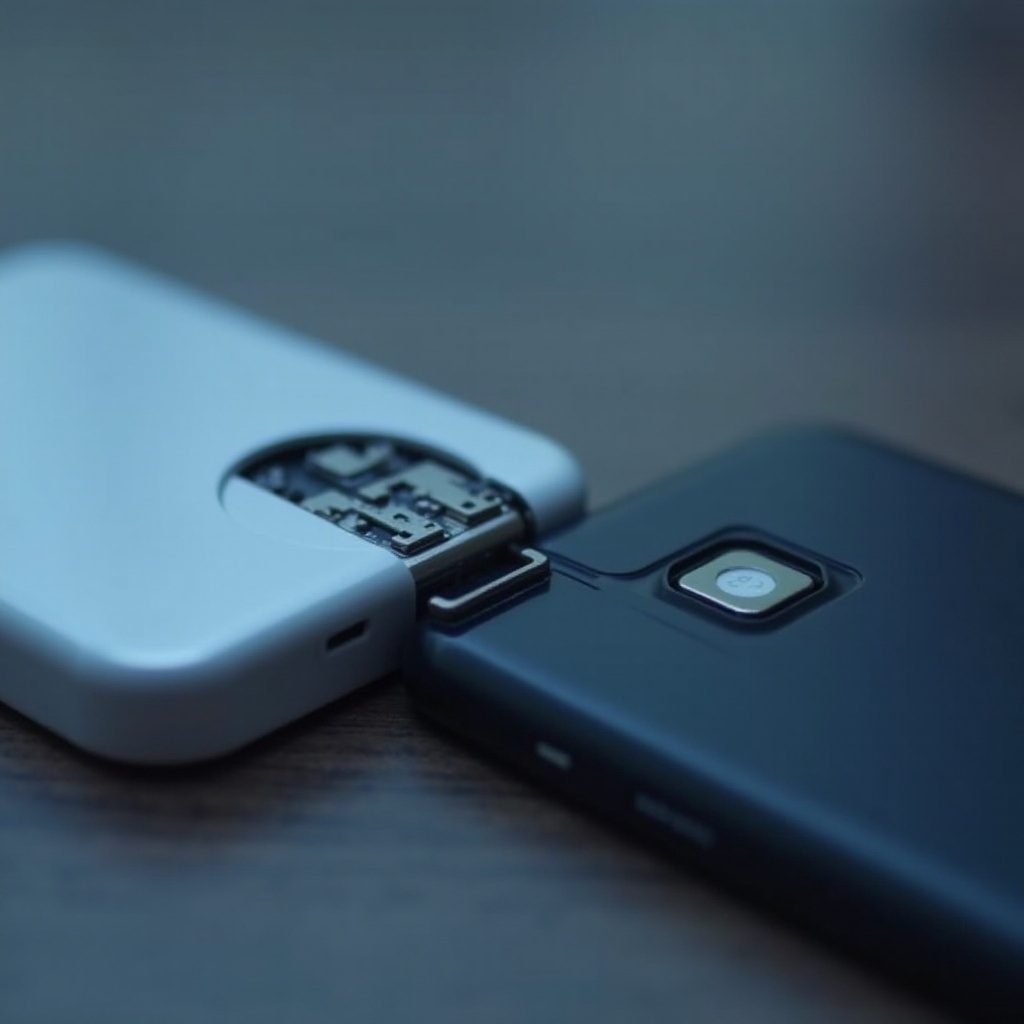
Different factors might lead to a loose charger port:
– Daily Wear and Tear: Regularly plugging and unplugging the charger can loosen the port over time.
– Mishandling and Accidental Damage: Dropping your phone or inserting the charger roughly can bend internal components.
– Dust and Debris Accumulation: Over time, particles can accumulate in the port, leading to poor connections.
Knowing the causes helps in determining whether a quick fix is possible or professional assistance is necessary. Maintaining a clean and well-handled charger port can prevent most of these issues.
DIY Fixes for a Loose Charger Port
Before rushing to a repair shop, try these DIY solutions:
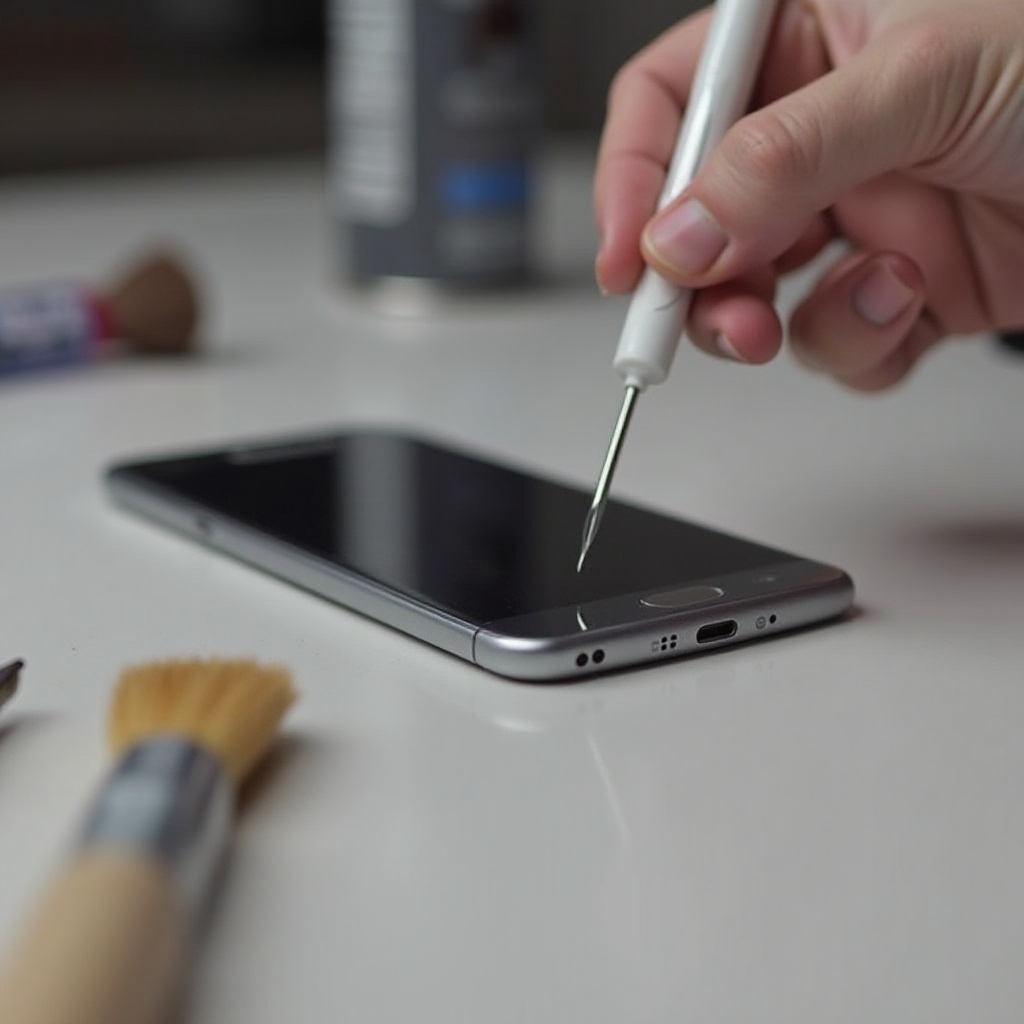
1. Cleaning the Port Safely: Use a small brush or compressed air to clear away dust and debris.
2. Adjusting the Metal Tabs: Carefully use a toothpick to tweak the metal tabs for a firmer grip on the charger.
3. Trying a Different Charger Cable: The issue may lie with the cable itself, so test with another cable.
These steps can often resolve minor issues, saving time and money. If the problem persists despite these efforts, consider seeking expert help.
When to Seek Professional Help
Not all issues can be solved at home. Here’s when you should seek professional aid:
– Signs You Need Professional Repair: If the charging problem remains unsolved after trying DIY methods, get a professional evaluation.
– Warranty Considerations: Check if your phone warranty covers such repairs.
– Choosing a Reliable Repair Service: Opt for certified Samsung repair services to ensure proper care and retain your phone’s warranty.
Getting professional help is crucial for any underlying issues that might permanently damage your phone if left unchecked.
Preventive Measures to Protect Your Charger Port
Prevention is better than cure. Here are some tips:
– Proper Handling of Charger: Always plug and unplug the charger gently to avoid stressing the port.
– Regular Cleaning and Maintenance: Use a soft brush to keep the port free of dust and lint.
– Using Quality Accessories: Invest in reliable chargers and cables to protect your phone’s charging port.
These measures can safeguard the health of your charger port, contributing to the long-term functionality of your device.
Conclusion
Promptly addressing a loose charger port ensures your Samsung phone remains reliable and functional. Recognizing the symptoms, understanding the causes, and employing DIY fixes can resolve minor issues. Don’t hesitate to get professional help if necessary, and always take preventive care seriously to prolong your device’s life.
Frequently Asked Questions
How can I tell if my Samsung phone’s charger port is loose?
Frequent disconnections and difficulty finding a stable connection indicate a loose port.
Can a loose charger port cause permanent damage to my phone?
Yes, if ignored, a loose port can lead to permanent charging problems and damage the phone’s components.
Is it worth repairing or replacing a phone with a loose charger port?
Repair is often worthwhile, especially if the phone is relatively new and in good working condition otherwise.